Best IPTV Players for Android & Smart TV: Features to Look For
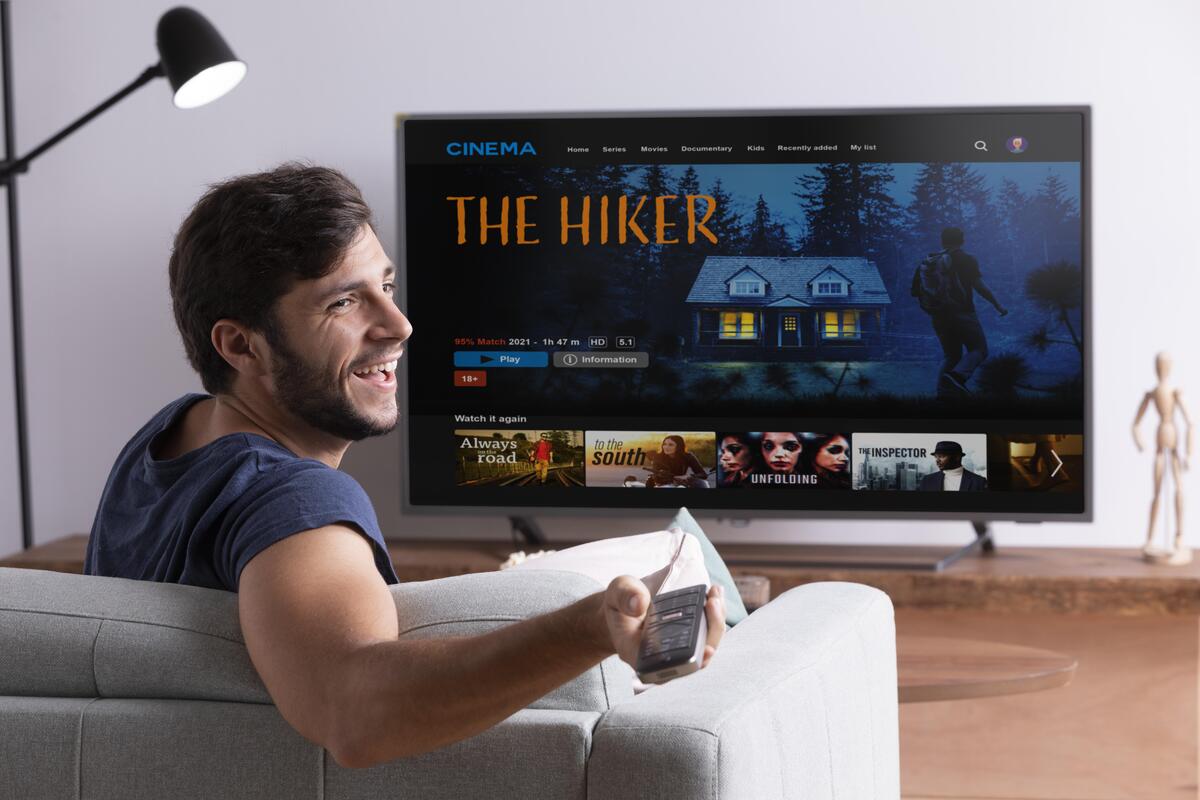
Choosing the right IPTV player can make a major difference in how comfortably you watch television content over the internet. Android phones, Android TV devices and supported Smart TVs offer many IPTV player options, but different applications provide different features, interfaces and levels of device compatibility.
The best IPTV player for one person may not be the best choice for another. Some viewers need simple playlist playback, while others want an electronic program guide (EPG), favorites, search, subtitles, multiple audio options and a TV-friendly interface.
This guide explains the most important IPTV player features to consider before installing an application on Android, Android TV or a compatible Smart TV.
Quick takeaway: Before choosing an IPTV player, check device compatibility, playlist support, EPG, search, favorites, playback controls and remote navigation.
Compatibility
Supports your Android or Smart TV platform.
Program Guide
Displays available program information.
Search
Helps find channels quickly.
Favorites
Saves frequently watched channels.
Playback
Provides useful playback controls.
Remote Support
Makes television navigation easier.
What Is an IPTV Player?
An IPTV player is an application that allows compatible television streams to be displayed and managed on a supported device. Instead of opening individual streams separately, users can often load a compatible playlist or connect the player to an authorized IPTV service.
The player and the IPTV service are two different components. The player provides the interface and playback functions, while the service or playlist supplies the available content.
This distinction is important when comparing IPTV applications. Installing a new player does not automatically add channels or improve the quality of the source stream.
What Makes a Good IPTV Player?
A good IPTV player should be easy to use, compatible with your device and capable of handling the playlist or connection method supplied by your authorized service.
For many users, the most useful features include reliable playback, fast channel switching, EPG support, favorites, search, playlist organization and a simple interface.
Device compatibility should come first. Even a feature-rich player is not useful if it is unavailable on your television or does not work correctly with your device.
IPTV Players for Android
Android provides a wide range of IPTV applications for smartphones, tablets, Android TV devices and compatible streaming hardware.
When selecting an IPTV player for Android, check the Android version supported by the application and whether the interface is designed for the type of device you use.
A mobile IPTV player may be optimized for touch controls, while an Android TV application should ideally provide clear menus and navigation that work comfortably with a remote control.
IPTV Players for Android TV
Android TV has different usability requirements from a smartphone. Viewers typically navigate the application using a remote rather than a touchscreen.
Look for an IPTV player with large, readable menus, simple channel navigation, responsive controls and good support for remote navigation.
If you watch IPTV primarily on a television, a TV-optimized interface can make everyday browsing considerably easier.
IPTV Players for Smart TV
Smart TV compatibility varies between manufacturers and operating systems. An IPTV application available on Android TV may not be available on every other Smart TV platform.
Before choosing an IPTV player for Smart TV, check the official application store for your television and confirm that the player supports your specific platform.
It is also worth checking whether the application receives regular updates and whether its current version supports your television model.
Platform check: Android, Android TV and other Smart TV platforms can have different application stores and compatibility requirements. Always verify the player on the platform you actually use.
Check Playlist and Login Compatibility
One of the first technical checks should be whether the IPTV player supports the connection method provided by your authorized service.
Depending on the application and service, users may encounter playlist-based formats such as M3U or other supported login and portal methods.
Do not choose a player simply because it supports many connection methods. The important factor is whether it supports the specific format supplied by the service you are authorized to use.
EPG Support
Electronic Program Guide, commonly known as EPG, is one of the most useful IPTV features for viewers who want program information before selecting a channel.
Instead of browsing a long channel list without information, an EPG can display scheduled programs in a guide-style interface.
If an EPG is important to you, check whether the IPTV player supports the guide format supplied by your service. EPG availability and accuracy can also depend on the source providing the program data.
Channel Search and Navigation
Large IPTV playlists can contain hundreds or thousands of entries, making search and organization particularly useful.
A good IPTV player should make it easy to find channels without repeatedly scrolling through the entire playlist.
- Channel search
- Category browsing
- Favorites
- Recently watched channels
- Fast channel switching
- Organized playlists
Favorites and Playlist Organization
Favorites are particularly useful when a playlist contains a large number of channels.
Instead of searching for the same channels repeatedly, viewers can save frequently watched channels in a dedicated favorites section.
Some applications also provide category or playlist management features that make it easier to separate different types of programming.
IPTV Playback Performance
Playback performance depends on more than the IPTV player itself. Internet stability, stream quality, device hardware and the source server can all affect playback.
A responsive player should load menus quickly, switch between available streams efficiently and provide useful playback controls.
However, changing the IPTV player cannot solve every buffering problem. If the source stream is unstable or the internet connection is unreliable, playback problems may continue.
Internet Connection and IPTV Streaming
A stable internet connection is essential for smooth IPTV streaming. Higher-resolution video generally requires more bandwidth, while live streaming also benefits from a consistent connection.
Wi-Fi signal strength, network congestion and other devices sharing the same connection can affect performance.
If possible, compare Wi-Fi and Ethernet performance on a compatible fixed device. A wired connection can reduce wireless interference and provide a more consistent network path.
HD and 4K IPTV Playback
Many modern streaming devices and televisions support HD or 4K video, but the display resolution alone does not guarantee that content will play at that quality.
For 4K playback, the source must provide an appropriate stream, the player and device must support the required format, and the network must be capable of delivering the stream consistently.
When choosing an IPTV player, check its supported video formats and compare them with the capabilities of your device.
Subtitle and Audio Support
Subtitle and audio options can be important when watching international programming or content available in multiple languages.
Depending on the stream, a compatible IPTV player may support subtitles, alternative audio tracks and additional playback controls.
If accessibility or multilingual viewing is important, check these features before selecting an application.
Remote Control Support
IPTV players designed for televisions should provide comfortable remote-control navigation.
Important actions such as opening categories, searching for channels, changing programs and accessing favorites should be easy to perform using directional and selection buttons.
A player designed mainly for touchscreen devices may not provide the same experience on a large television screen.
Parental Controls
Some IPTV players include parental control features that can help restrict access to selected categories or content.
This can be useful for households where several people share the same streaming device.
Features vary between applications, so check the official documentation if parental controls are important to your setup.
Multiple Device Compatibility
Many households use IPTV across more than one device, such as a smartphone, tablet, Android TV device and Smart TV.
If you regularly move between devices, consider whether the player is available on the platforms you actually use.
Keep in mind that application availability does not necessarily mean identical features on every operating system. Always check the official compatibility information.
How to Choose an IPTV Player
Instead of choosing an IPTV player based only on its name or number of features, compare it against your actual viewing requirements.
Before installing an application, consider these factors:
- Does it support your Android or Smart TV platform?
- Does it support your playlist or service connection method?
- Does it provide EPG support if you need a program guide?
- Is channel search fast and easy to use?
- Can you create favorites?
- Does it work well with a television remote?
- Does it support the video formats your device requires?
- Are subtitles and multiple audio options available when supported by the content?
- Does it offer parental controls if required?
- Is the application maintained and updated by a trusted developer?
Android IPTV Player vs Smart TV IPTV Player
Android Phone & Tablet
Touch controls, portability and mobile-friendly navigation are particularly important for smartphones and tablets.
Android TV
Look for clear menus, remote-control navigation, readable layouts and quick access to channels and favorites.
Smart TV
Check the television's operating system, official app store, compatibility and current application support.
The ideal IPTV player can differ depending on where you watch. Android phones prioritize touch controls and portability, while Android TV and Smart TV applications generally prioritize remote navigation and larger-screen usability.
If you mainly watch on a television, prioritize a TV-friendly interface, fast navigation and remote-control support. If you watch on a phone or tablet, touch controls and mobile usability may be more important.
Free IPTV Players vs Paid Features
A free IPTV player can be sufficient when you only need basic playlist playback and navigation.
Some applications may offer additional features through paid versions or optional upgrades, such as advanced organization, enhanced playback controls or additional customization.
A paid application is not automatically better for every viewer. Compare the features you actually need rather than paying for functions you will not use.
Keeping Your IPTV Player Updated
Keeping an IPTV application updated can help maintain compatibility with newer operating system versions and supported devices.
Updates may include bug fixes, interface improvements, performance changes and security-related updates.
For safety, download IPTV applications through official app stores or trusted developer sources whenever possible. Avoid unknown modified applications that could introduce unnecessary security risks.
Common IPTV Player Problems
Even a well-designed IPTV player can experience playback issues. Buffering, freezing, delayed channel changes or missing program information can have several causes.
First check whether the problem affects one stream or the entire playlist. Then check the internet connection, device performance, application version and source information.
If other internet services work normally but one particular stream continues to fail, the issue may be related to that source rather than the IPTV player itself.
IPTV Player vs IPTV Service
Remember the difference: The IPTV player is the application used to display and organize compatible streams. The IPTV service or playlist provides the content and related information.
Understanding the difference between an IPTV player and an IPTV service helps avoid confusion when troubleshooting.
The IPTV player is the application used to display and organize compatible streams. The IPTV service or playlist provides the content and related information.
As a result, changing players does not automatically add channels, improve the source quality or provide access to content that is not included with the authorized service.
Can an IPTV Player Reduce Buffering?
In some situations, changing to a compatible and well-maintained IPTV player may improve usability or playback behavior.
However, a player cannot overcome every network or source problem. If buffering is caused by weak Wi-Fi, insufficient bandwidth, network congestion or an unstable stream, those issues need to be addressed separately.
For more troubleshooting steps, check your network connection, router placement, device performance and video quality before assuming that the IPTV player is the only cause.
Best IPTV Player Features at a Glance
- Device compatibility: Works with your Android, Android TV or Smart TV platform.
- Playlist support: Accepts the connection or playlist format supported by your authorized service.
- EPG: Displays available program information in an organized guide.
- Search: Helps find channels quickly in large playlists.
- Favorites: Saves frequently watched channels for quick access.
- Playback: Provides responsive controls and supports compatible video formats.
- Remote navigation: Makes television use easier without a touchscreen.
- Subtitles and audio: Supports available language and accessibility options.
- Updates: Receives maintenance and compatibility improvements from a trusted source.
Frequently Asked Questions
What is an IPTV player?
An IPTV player is an application that displays and manages compatible IPTV streams or playlists. It does not automatically provide channels or television content.
What features should I look for in an IPTV player?
Important features can include device compatibility, playlist support, EPG, channel search, favorites, playback controls, subtitles, audio options and remote-control navigation.
Do IPTV players provide channels?
Generally, the player provides the software interface for compatible streams. The channels or content come from the authorized IPTV service or playlist.
Can an IPTV player work on Smart TV?
Some IPTV players support Smart TVs, but compatibility varies between manufacturers and operating systems. Check your TV's official application store and the developer's compatibility information.
Does an IPTV player stop buffering?
Not necessarily. Buffering can be caused by the internet connection, network congestion, device performance or the source stream. A different player may improve playback behavior in some cases, but it cannot solve every source or network issue.
Is an EPG important for IPTV?
EPG can be useful if you want to see scheduled programs and navigate channels through a guide-style interface. Its availability and accuracy depend on both the player and the program data supplied by the service.
Final Thoughts
The best IPTV player is not necessarily the application with the longest feature list. The right choice depends on your device, playlist format, viewing habits and the features you actually need.
For Android and Smart TV users, important factors include device compatibility, playlist support, EPG, search, favorites, playback performance and remote-control navigation.
If you regularly watch HD or 4K content, also consider the capabilities of your television, streaming device, internet connection and content source. A player can only work within the limits of the hardware and stream it receives.
Finally, download applications from trusted sources and use IPTV services and content that you are legally authorized to access. Choosing a compatible, reliable player can then make your viewing experience more organized, accessible and convenient.
Explore More IPTV Guides
Discover more IPTV guides, streaming tips and sports-related articles on our blog.
Explore More Articles