The player you use can have a noticeable effect on how easy it is to browse channels, manage playlists and navigate live programming. Some applications are built specifically for television screens, while others offer more flexibility for phones, tablets and different Android devices.
It is also important to understand the difference between a player and a content service. A player is generally the software used to organize and play compatible streams. The application itself does not automatically provide television channels.
Quick Answer
There is no single player that is best for everyone. TiviMate is a strong choice for users who want a television-focused interface on compatible Android TV and Fire TV devices. OTT Navigator is interesting for users who want extensive customization, while Televizo, Sparkle TV, iMPlayer and IPTV Smarters Player each offer different approaches to playlist and channel management.
Table of Contents
What Makes a Good IPTV Player?
Before installing an application, consider how you normally watch television and which features matter most to you. A clean interface is useful for beginners, while experienced users may prefer detailed playlist controls and advanced organization tools.
EPG support can make live programming easier to browse by showing current and upcoming programs.
Check whether the application supports the playlist or login method provided by your legitimate service.
TV users should look for menus that are easy to operate with a remote control.
Some applications support catch-up or recording features depending on the device and service.
Advanced users may prefer an application that makes it easy to organize more than one playlist.
Always check compatibility with your specific Firestick, TV, Android device or mobile platform.
IPTV Player Comparison
This table gives you a quick way to compare the applications covered in this guide. Features can vary according to the device, operating system and application version.
| Player | Best For | Platform Focus | EPG |
|---|---|---|---|
| TiviMate | TV-focused viewing | Android TV / Fire TV | Yes |
| IPTV Smarters Player | Simple multi-device setup | Multiple platforms | Yes |
| Televizo | Android users | Android | Yes |
| OTT Navigator | Advanced customization | Android | Yes |
| Sparkle TV | Android TV users | Android TV | Yes |
| iMPlayer | Advanced TV interfaces | Android / TV devices | Yes |
| XCIPTV | Android streaming devices | Android | Yes |
| Kodi | Flexible media setups | Multiple platforms | Depends on setup |
TiviMate
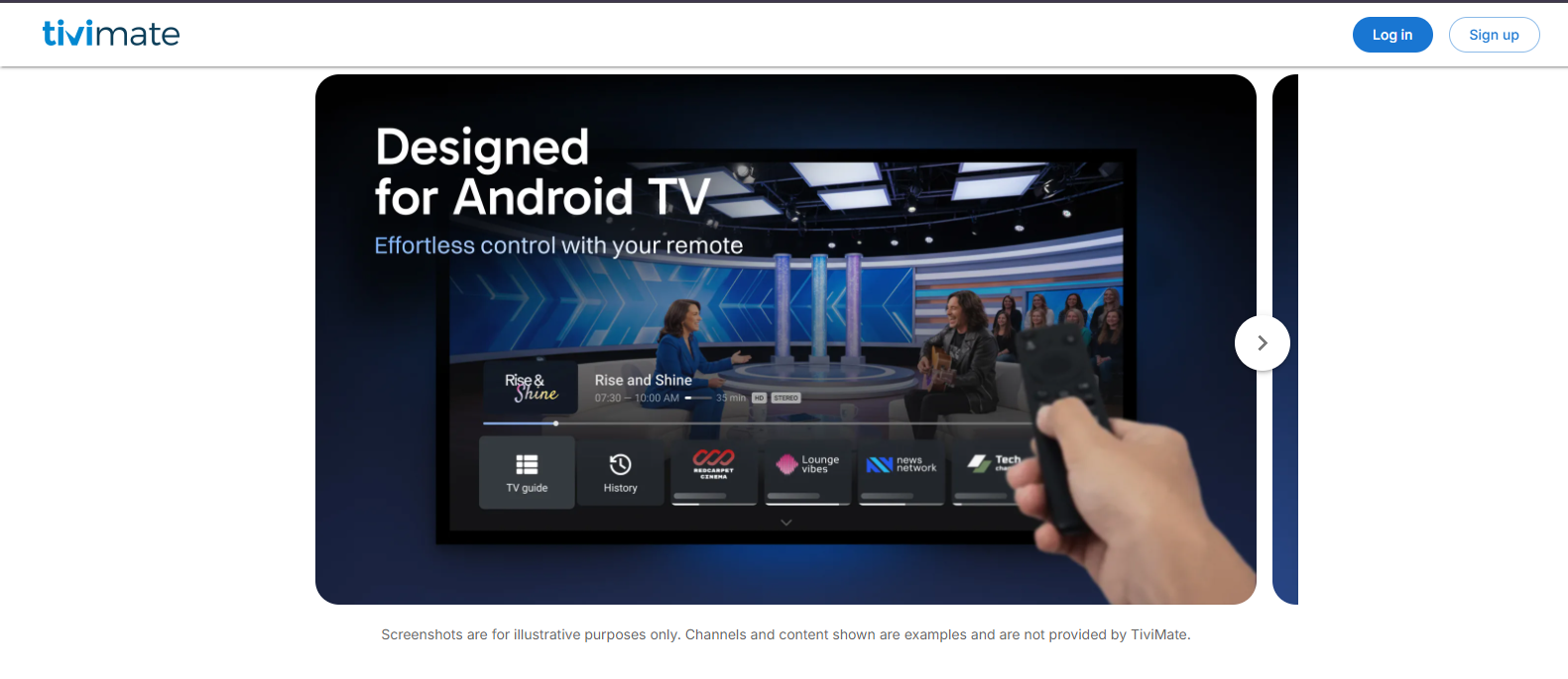
TiviMate is designed primarily around television-style viewing. Its interface works particularly well for users who want to browse channels and program information using a remote control.
The application is especially interesting for Android TV and compatible Fire TV environments where a traditional television interface is preferred.
- TV-focused interface
- Electronic program guide support
- Playlist organization
- Customization options
IPTV Smarters Player
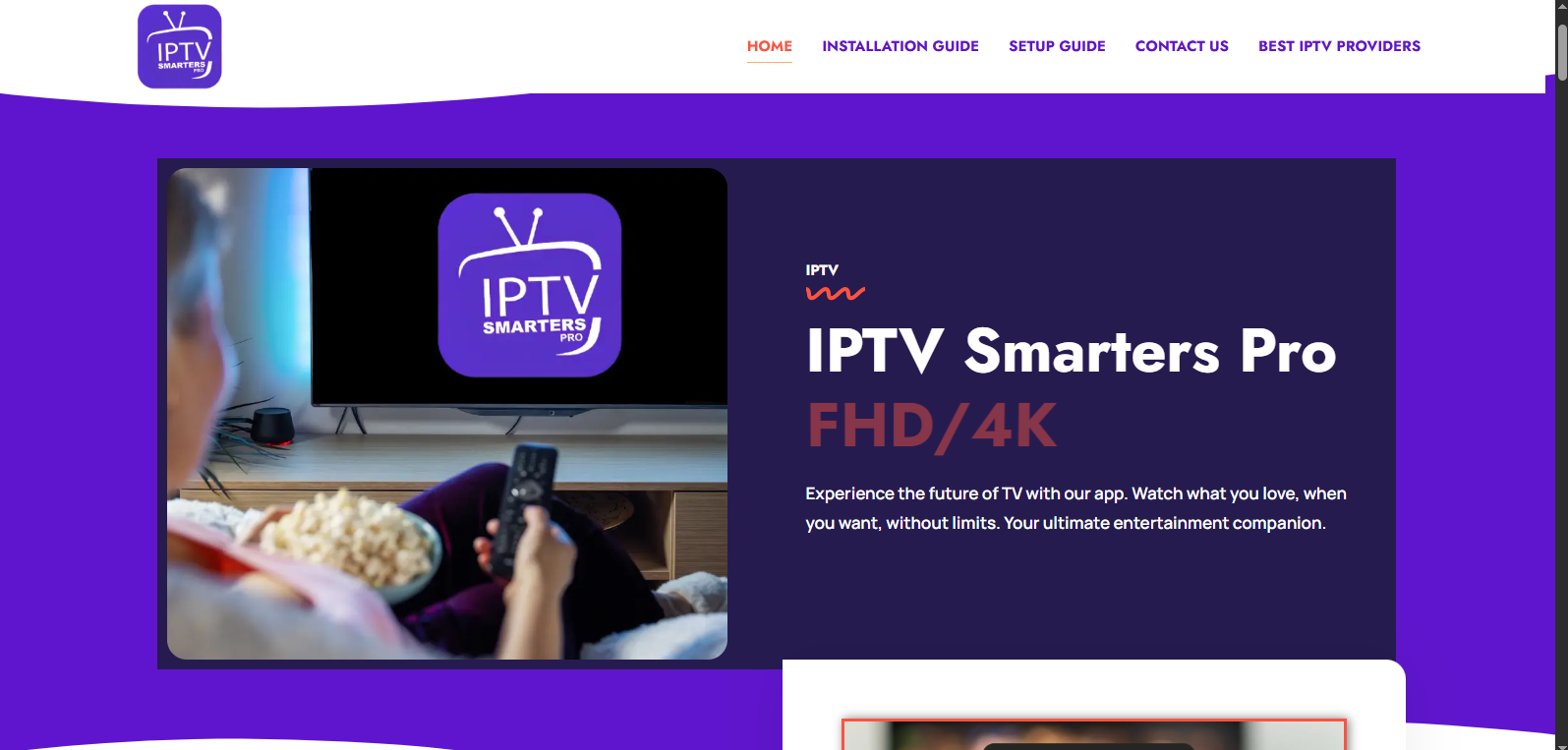
IPTV Smarters Player is designed for users who want a straightforward application for accessing compatible streaming playlists and services.
Depending on the platform and version, the application can provide access to live television, program guides, movies, series and other playlist-based content through compatible credentials.
- Simple interface
- Live TV and playlist support
- EPG functionality
- Support across different device ecosystems
Televizo
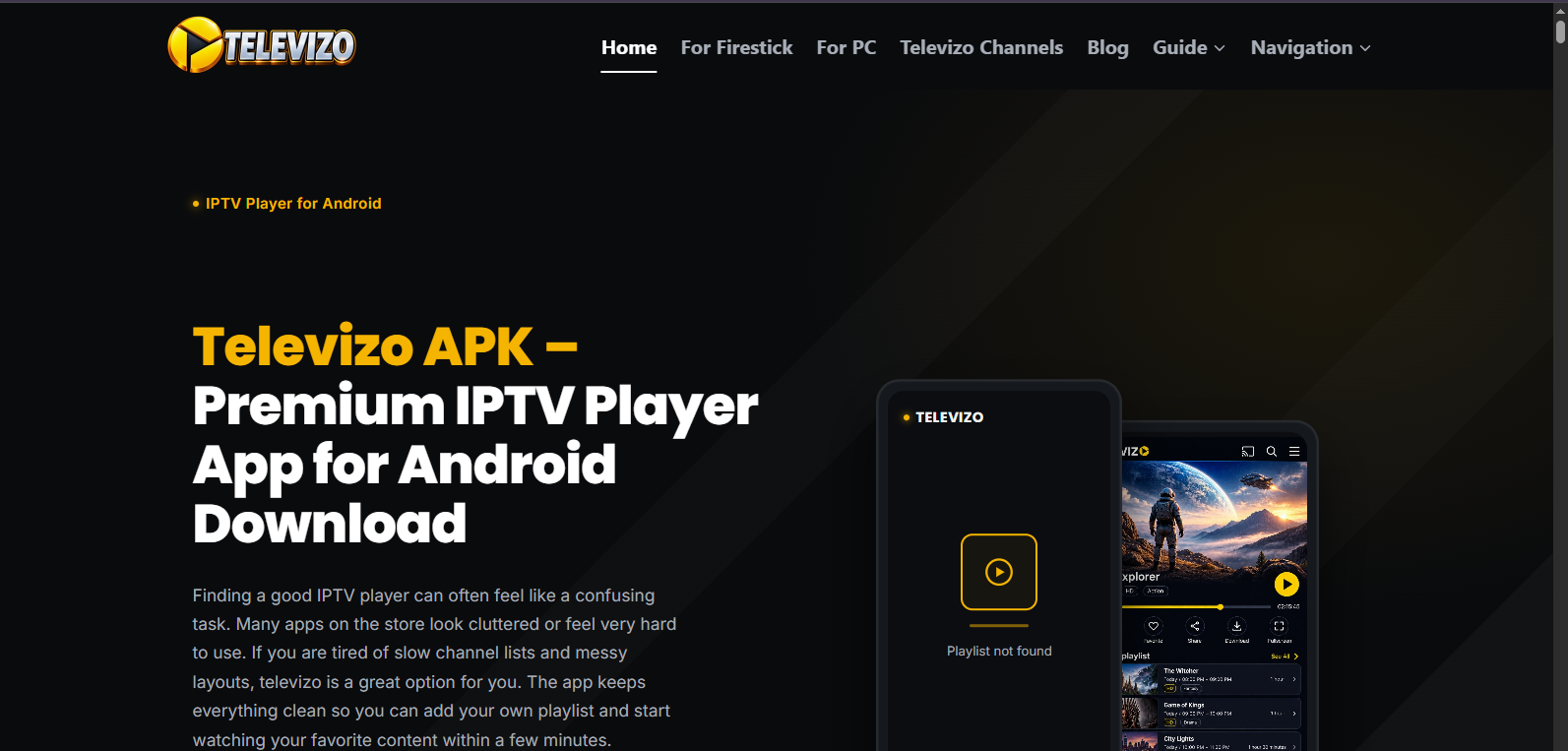
Televizo is an Android-focused application designed to help users organize compatible playlists and navigate channels through a dedicated interface.
Its available features can include playlist management, EPG functionality and catch-up tools depending on the application version, device and content source.
- Playlist management
- Electronic program guide
- Catch-up support
- Android-focused experience
OTT Navigator
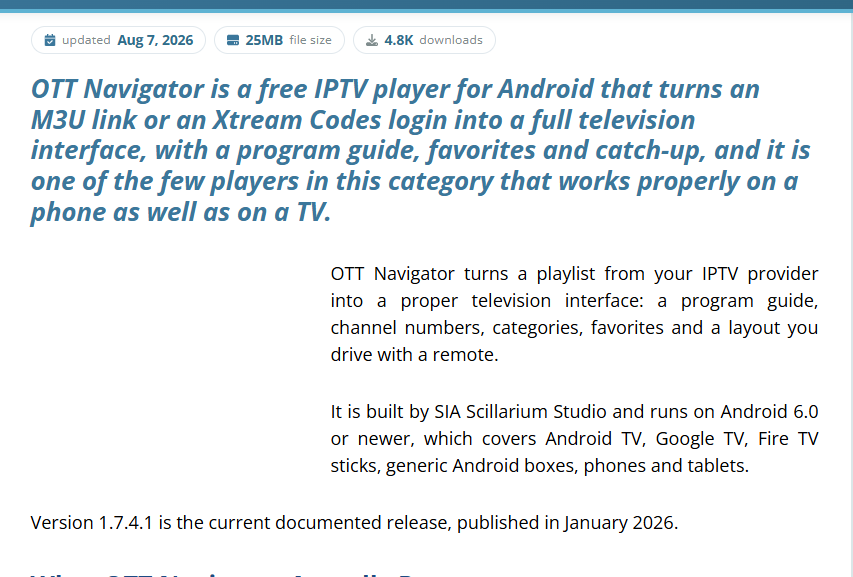
OTT Navigator is aimed at users who want greater control over how channels, playlists and program information are organized.
It can be particularly appealing to experienced users who prefer customization rather than a minimal plug-and-play interface.
- Customizable interface
- Playlist support
- EPG support
- Advanced channel organization
Sparkle TV
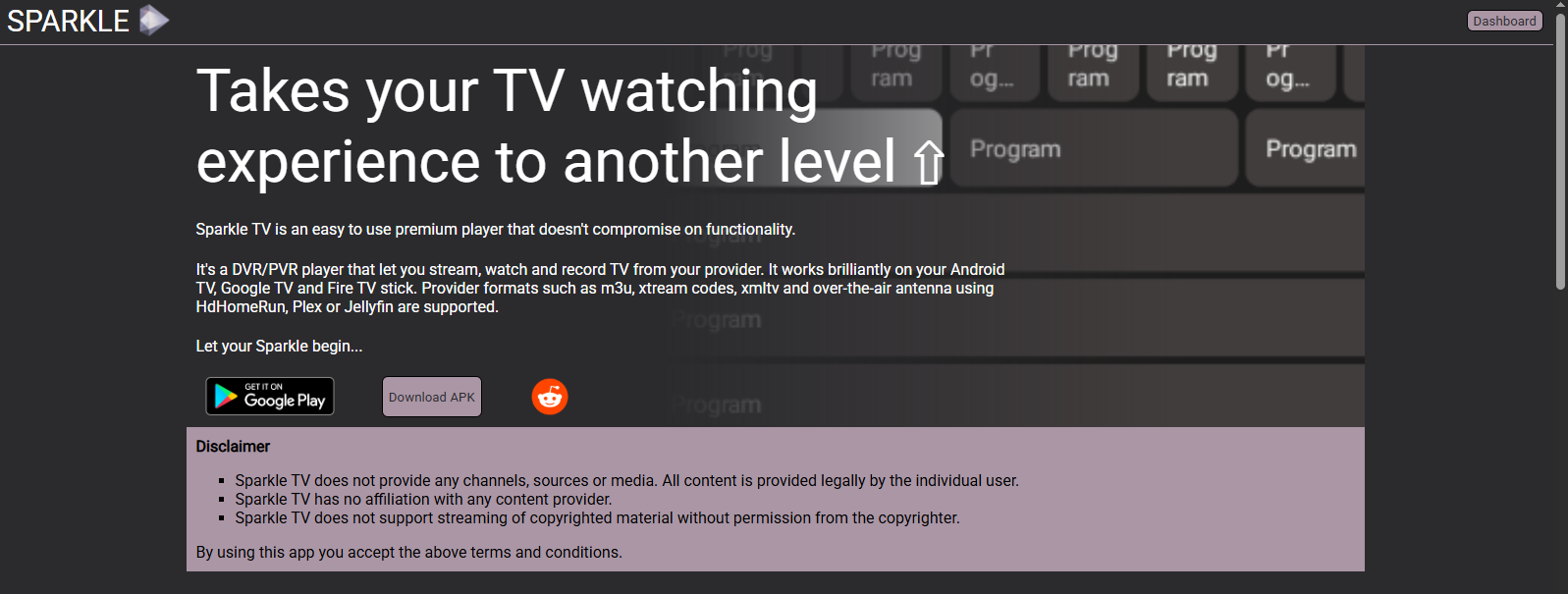
Sparkle TV is designed for Android TV and compatible Android-based devices. Its interface focuses on creating a traditional television-style experience.
Users who prefer large-screen navigation may appreciate features such as program guides, playlist organization and an interface designed around TV use.
- TV-friendly interface
- EPG support
- Playlist management
- Android TV support
iMPlayer
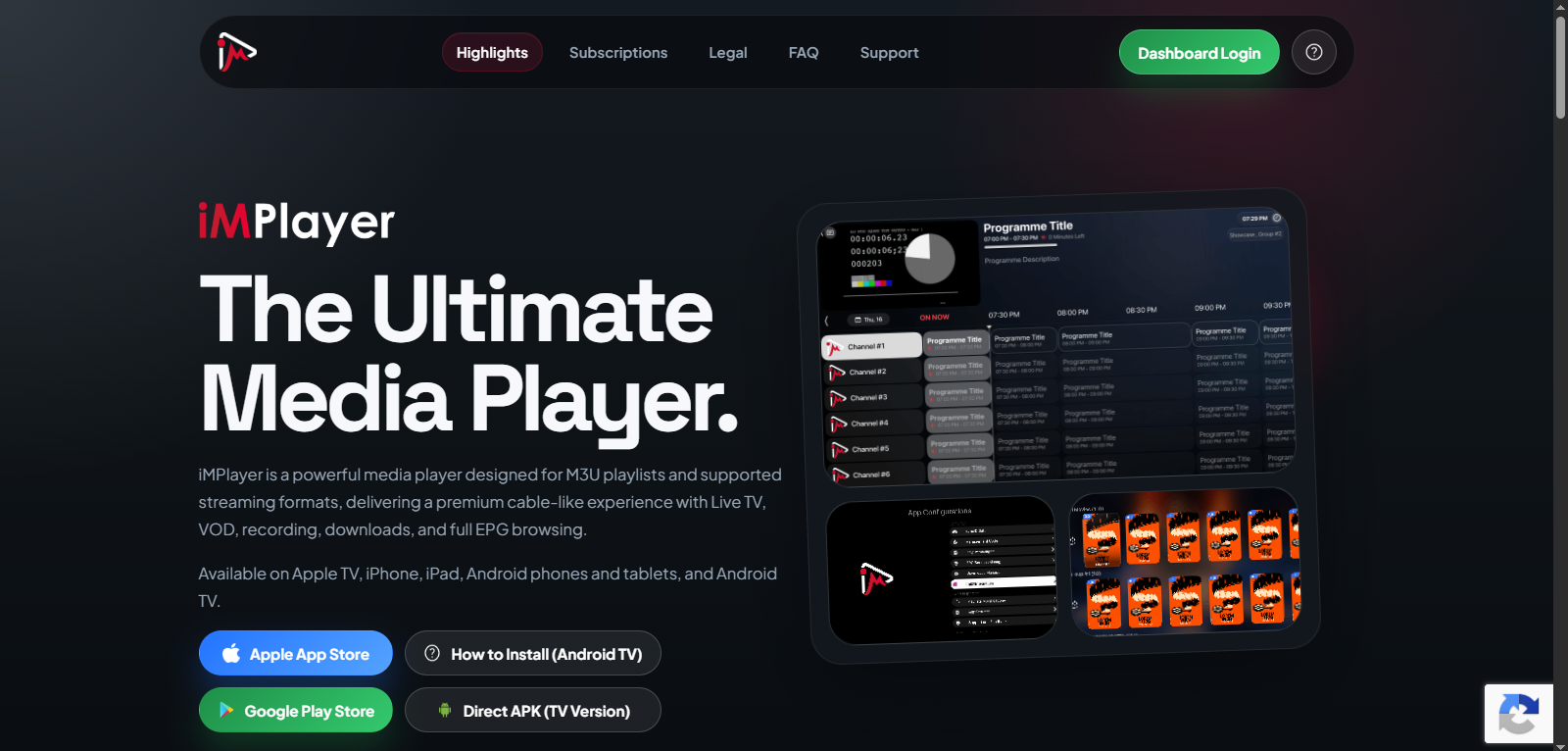
iMPlayer is another option for users who prefer a television-focused interface with additional controls for organizing their viewing experience.
Before installing it, check the application's current device requirements and supported features to make sure it matches your setup.
- TV-focused interface
- Playlist management
- EPG functionality
- Advanced viewing options
XCIPTV
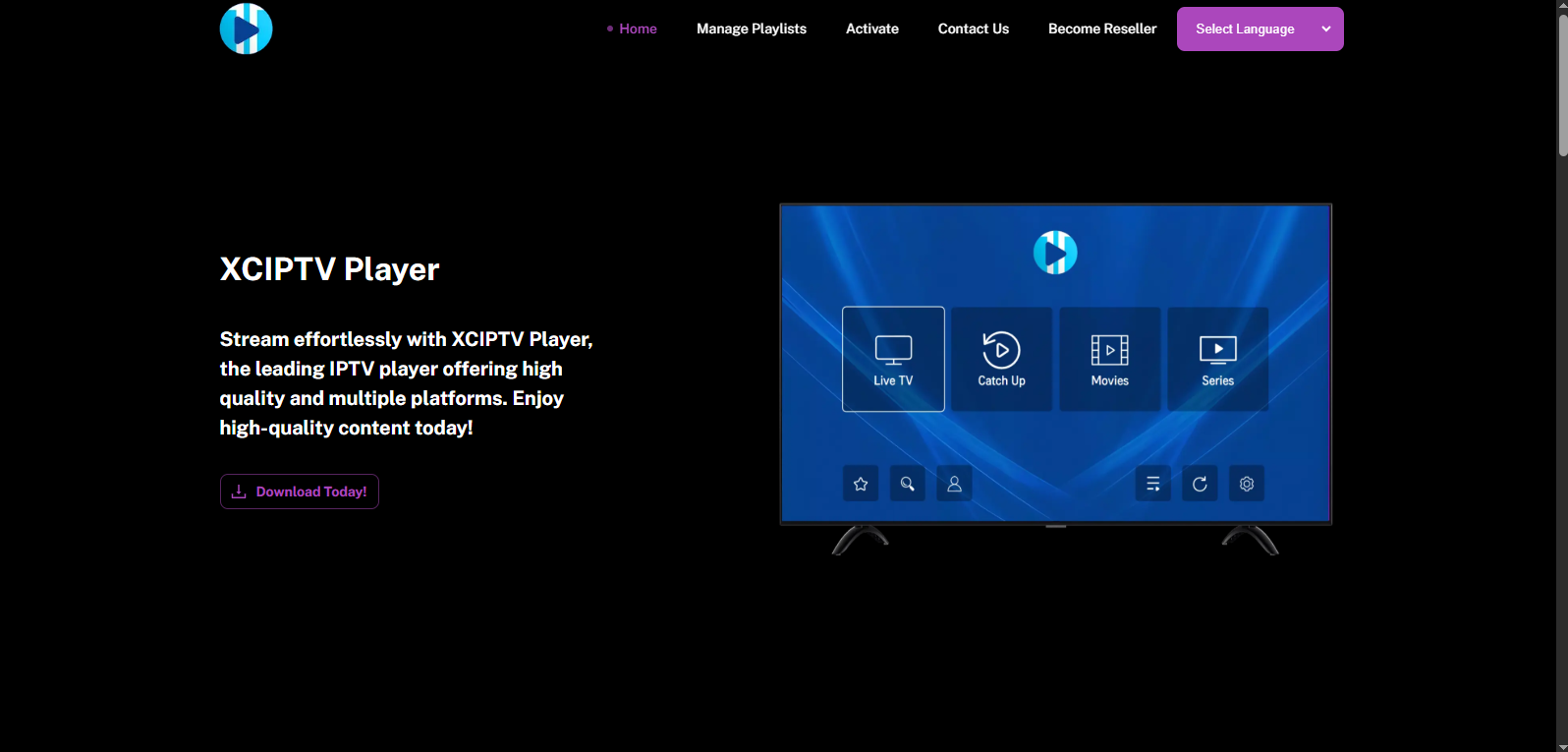
XCIPTV is an Android-based media player intended for users who want to access compatible streaming services through a dedicated application.
Its interface focuses on live television and playlist-based streaming, making it another option worth considering for compatible Android devices.
- Android device support
- Live TV interface
- Playlist-based streaming
- EPG functionality
Kodi
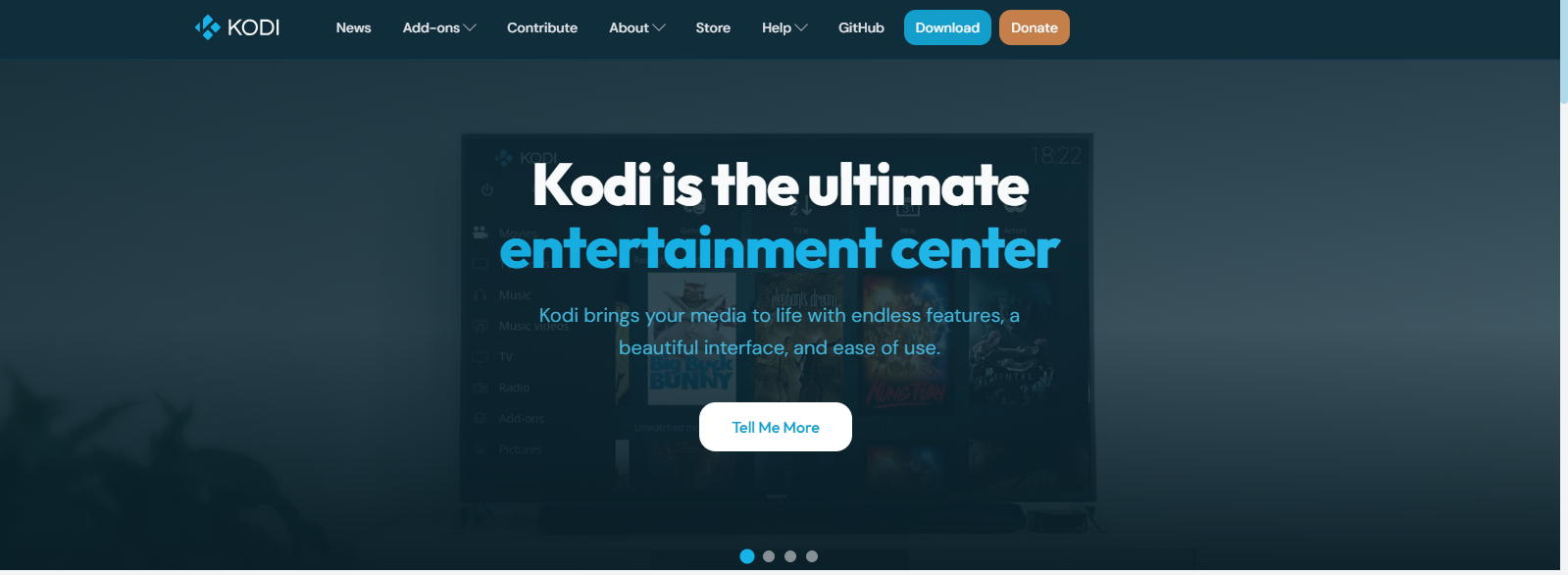
Kodi is different from the dedicated players discussed above. It is a broader media center application that can be extended with different add-ons and configurations.
Its flexibility makes it appealing to advanced users who want to build a customized media environment. However, setup can require more configuration than using a dedicated player.
- Multi-platform media center
- Highly customizable
- Large ecosystem
- Suitable for advanced users
Step-by-Step Installation Guides
If you have chosen one of the players above, our dedicated installation guides provide more detailed instructions. Instead of covering every setup screen in this comparison, each guide focuses on one application and explains the installation and configuration process in greater detail.
Explore Our Player Installation Guides
- How to Install TiviMate — installation and setup instructions for compatible Android TV and Fire TV devices.
- How to Install IPTV Smarters Player — a dedicated guide for installing and configuring the application.
- How to Install Televizo — step-by-step instructions for installing and configuring Televizo on supported Android devices.
- How to Install OTT Navigator — installation and configuration guidance for compatible Android devices.
- How to Install Sparkle TV — learn how to install and configure Sparkle TV on compatible Android TV devices.
- How to Install iMPlayer — a dedicated installation guide covering the basic setup process.
Which Player Should You Choose?
The right choice depends on your device, preferred interface and the features you actually need. There is no reason to choose a more complicated application if a simple player already covers your requirements.
Firestick and Android TV
Users watching primarily on a television should prioritize remote-friendly navigation, readable menus, playlist management and a useful electronic program guide. TiviMate and other TV-focused applications may be worth considering for this type of setup.
Android Phones and Tablets
Android users have a broader selection of applications. Think about whether you need multiple playlists, detailed EPG controls, catch-up functionality or simply an easy interface for everyday viewing.
Smart TVs
Compatibility varies according to the operating system installed on your television. Before choosing an application, check whether it is officially available or supported for your specific TV platform.
How to Set Up a Player
Once you have selected a compatible application, the general setup process is usually straightforward. The exact menus differ between applications.
- Install the compatible application from its official website or supported app store.
- Open the application and select the appropriate playlist or login option.
- Enter the playlist URL, login details or other information supplied by your legitimate service.
- Allow the application to load available channels, program information and other compatible content.
- Organize favorites and adjust the application settings to suit your viewing preferences.
Need Detailed Setup Instructions?
If you are installing one of the applications covered in this article, use the dedicated guide for a more detailed walkthrough:
Complete installation and setup walkthrough.
Read Guide 21 →Installation and configuration instructions.
Read Guide 22 →Step-by-step setup for compatible Android devices.
Read Guide 23 →Installation and configuration guidance.
Read Guide 24 →Android TV installation and setup instructions.
Read Guide 25 →Dedicated installation and configuration guide.
Read Guide 26 →Frequently Asked Questions
An IPTV player is an application used to organize and play compatible internet-based television streams or playlists.
TiviMate is a popular choice for compatible Android TV and Fire TV environments because its interface is built around television viewing and remote navigation. Other applications may also be suitable depending on your requirements.
No. A player is normally the software used to play compatible content. Channels and streams come from the content source or service being used.
No. EPG functionality varies between applications and may also depend on whether the content source provides compatible program information.
Not necessarily. Application availability and features vary between Android, Firestick, Smart TV, iOS and other platforms. Always check compatibility before installing.
We have separate guides for TiviMate, IPTV Smarters Player, Televizo, OTT Navigator, Sparkle TV and iMPlayer. You can find all six guides in our installation guide section above.
Need More Installation Help?
Explore our installation resources for different applications, devices and streaming setups.
View Installation Guide