IPTV on Multiple Devices
Want to watch IPTV on your TV, smartphone, tablet or computer? Learn how IPTV works across multiple devices, what you need to check before using more than one device, and how connection limits can affect simultaneous streaming.
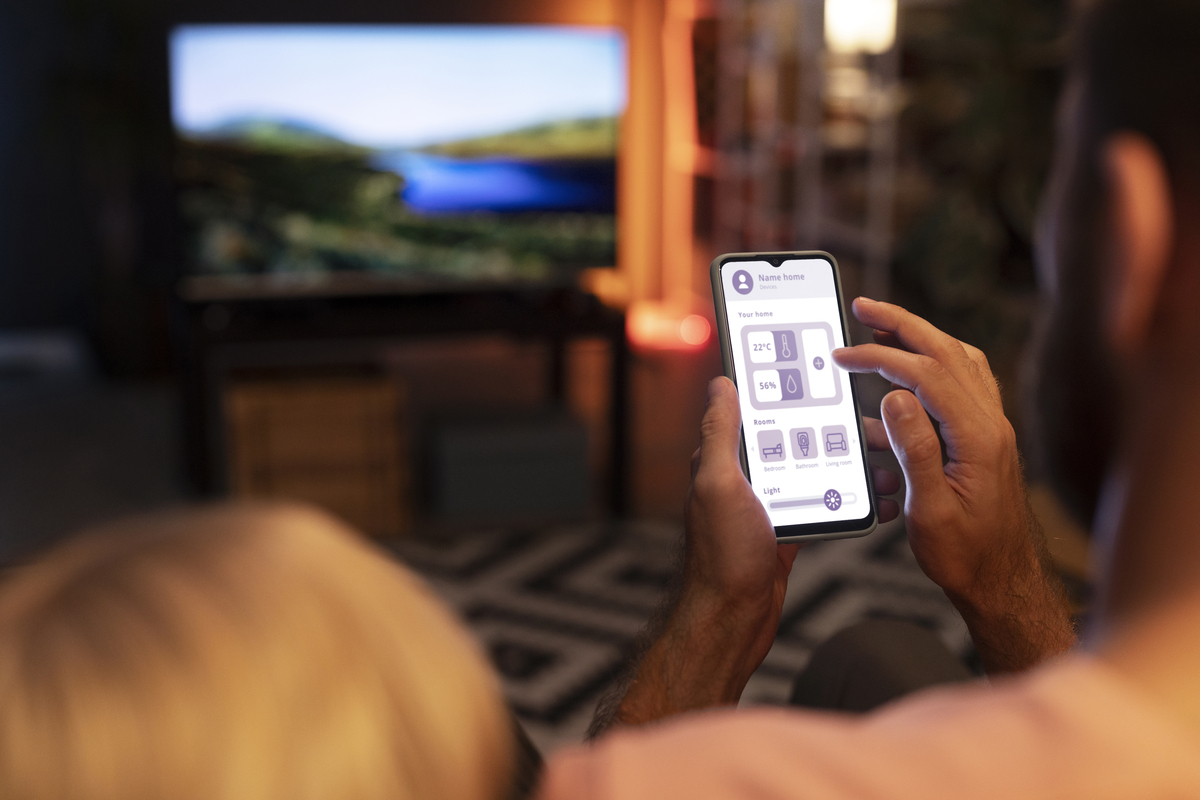
One of the main advantages of IPTV is the ability to access television and streaming content through internet-connected devices. Instead of being limited to a single television, users may be able to access their IPTV service on compatible Smart TVs, smartphones, tablets, computers and streaming devices.
However, being able to install an IPTV application on several devices does not necessarily mean that a subscription supports simultaneous streaming on all of them. Device compatibility, connection limits and subscription terms should always be checked before using IPTV across multiple devices.
Can You Use IPTV on Multiple Devices?
Yes, IPTV applications can be installed on multiple compatible devices. Whether you can watch content simultaneously on those devices depends on the IPTV service and the subscription plan.
For example, you might install an IPTV player on your Smart TV and also have the same service available on your smartphone. The ability to use both devices at the same time depends on the number of connections included with your subscription.
Important: Device compatibility and simultaneous connections are not the same thing. Always check the connection limits and terms of your IPTV subscription.
Which Devices Can You Use for IPTV?
IPTV support varies between applications and services, but many IPTV setups can work across several common device types.
Smart TVs
Compatible Smart TVs can run supported IPTV applications directly, allowing you to watch IPTV on your television without necessarily needing a separate streaming box.
Android TV
Android TV devices and compatible TV boxes can support IPTV players available through supported application stores or installation methods.
Fire TV & Firestick
Compatible Amazon Fire TV devices can be used with supported IPTV applications. The exact setup depends on the application and service.
Smartphones & Tablets
IPTV can also be accessed on compatible Android and iOS smartphones or tablets when a supported player and service are available.
Windows & Mac
Some IPTV players support desktop computers, allowing users to access compatible IPTV content through Windows or macOS.
Streaming Boxes
Compatible streaming boxes can provide another way to access IPTV on a television, depending on the supported applications and operating system.
Why Use IPTV on Multiple Devices?
Using IPTV across multiple devices can be useful when different members of a household have different viewing preferences or when you want the flexibility to watch content away from your main television.
Watch at Home
A television or Android TV device can provide a larger-screen viewing experience for live television, sports, movies and other content.
Watch on Your Smartphone
A smartphone can provide a portable way to access compatible IPTV content when you have an appropriate internet connection and supported application.
Use a Tablet
Tablets offer a larger display than most smartphones while remaining portable, making them another convenient option for compatible IPTV applications.
Use Your Computer
A desktop or laptop can also be useful for IPTV viewing when the selected IPTV player and service support the operating system.
What Is an IPTV Connection?
An IPTV connection generally refers to an authorized device or stream using your IPTV account at a particular time. Subscription plans can differ in the number of connections they allow.
This means a service may allow you to have IPTV installed on several devices while limiting how many of those devices can stream at the same time.
Always review the connection information associated with your subscription rather than assuming that installing an IPTV player on multiple devices automatically allows simultaneous playback.
Can You Stream IPTV on Two Devices at the Same Time?
Simultaneous streaming depends on the subscription plan and the number of connections it supports.
If a subscription supports only one connection, starting playback on another device may interrupt the first stream or prevent the second device from connecting.
Plans designed for multiple connections may allow more than one compatible device to stream at the same time, subject to the provider's terms and supported setup.
How Internet Speed Affects Multiple IPTV Devices
Your internet connection becomes especially important when several devices are streaming at the same time.
Every active stream uses bandwidth. If several devices are watching high-resolution content while other household devices are also using the network, the total demand can increase significantly.
For smoother IPTV playback, consider your available bandwidth, Wi-Fi signal strength, router performance and the resolution being streamed.
Multiple HD Streams
Two HD streams can require more bandwidth than one HD stream. Other activities such as video calls, downloads and online gaming can increase network demand further.
Multiple 4K Streams
4K streaming can require substantially more bandwidth than lower-resolution video. If multiple devices are streaming 4K content simultaneously, a stable and sufficiently capable network becomes even more important.
How to Reduce IPTV Buffering on Multiple Devices
If IPTV starts buffering when several devices are active, check your local network before assuming that the IPTV service is responsible.
- Check your internet speed.
- Restart your router if necessary.
- Move Wi-Fi devices closer to the router.
- Use Ethernet where practical and supported.
- Reduce unnecessary downloads and high-bandwidth activities.
- Close applications that are using significant network resources.
- Test the IPTV stream on another device.
- Check whether the issue occurs on one channel or multiple channels.
Check IPTV Player Compatibility
Installing an IPTV application is only one part of setting up IPTV on a device. The application must also support the operating system and the type of account or playlist provided by the service.
Before setting up a new device, check the provider's installation instructions and confirm that the IPTV player supports your device.
You can also review our IPTV installation guide for additional setup information.
Can You Use IPTV on Your Smartphone While Traveling?
If your subscription and IPTV application support the device, you may be able to access IPTV while traveling using a suitable internet connection.
Performance can vary depending on the quality and stability of the available network. Mobile data, hotel Wi-Fi and public Wi-Fi can all provide different streaming experiences.
Before traveling, make sure your IPTV application is already installed and configured and check the service terms that apply to your location.
Best Practices for IPTV on Multiple Devices
A few simple steps can make managing IPTV across multiple devices easier.
- Check how many connections your subscription supports.
- Use compatible IPTV applications for each device.
- Keep your IPTV applications updated where appropriate.
- Use a stable internet connection.
- Test each device before relying on it for regular viewing.
- Monitor your network when several devices are streaming.
- Review the provider's setup and connection instructions.
Choosing an IPTV Plan for Multiple Devices
If you intend to use IPTV across more than one device, pay particular attention to the number of connections included with the plan.
A single-device setup may be sufficient if you normally watch IPTV on one television. A household that needs multiple simultaneous streams may require a plan that supports additional connections.
You can review our 4K Live IPTV plans and pricing to compare the available subscription options.
Important: IPTV is a technology for delivering television and video content over the internet. Always use IPTV services and streams that you are authorized to access in your country or region.
Frequently Asked Questions About IPTV on Multiple Devices
Can I install IPTV on multiple devices?
Yes. IPTV applications can generally be installed on multiple compatible devices. However, the number of simultaneous streams depends on the subscription and service terms.
Can I watch IPTV on my TV and smartphone?
If both devices are compatible with the IPTV application and service, you can use them for IPTV. Whether they can stream simultaneously depends on the number of connections included with your subscription.
Does using IPTV on multiple devices require faster internet?
Multiple active streams generally require more total bandwidth. Higher-resolution streams such as 4K can also require more bandwidth than lower-resolution streams.
Can one IPTV subscription work on two devices?
This depends on the provider's subscription policy. Some plans may allow multiple connections, while other plans may limit simultaneous streaming to one device.
Can I use IPTV on Firestick and Smart TV?
Compatible Fire TV devices and Smart TVs can support IPTV applications. Check the application's compatibility and follow the appropriate setup instructions.
Why does IPTV buffer when multiple devices are connected?
Several active devices can increase network demand. Buffering may also be caused by weak Wi-Fi, router performance, device limitations or an individual stream.
Can I use IPTV on my phone while traveling?
If your service and application support mobile devices, you may be able to use IPTV while traveling with a stable internet connection and subject to the applicable service terms.
Ready to Set Up IPTV?
Check your compatible devices, review the available plans and follow the installation instructions to get started.
View Installation Guide