How to Choose an IPTV Subscription: Complete Guide
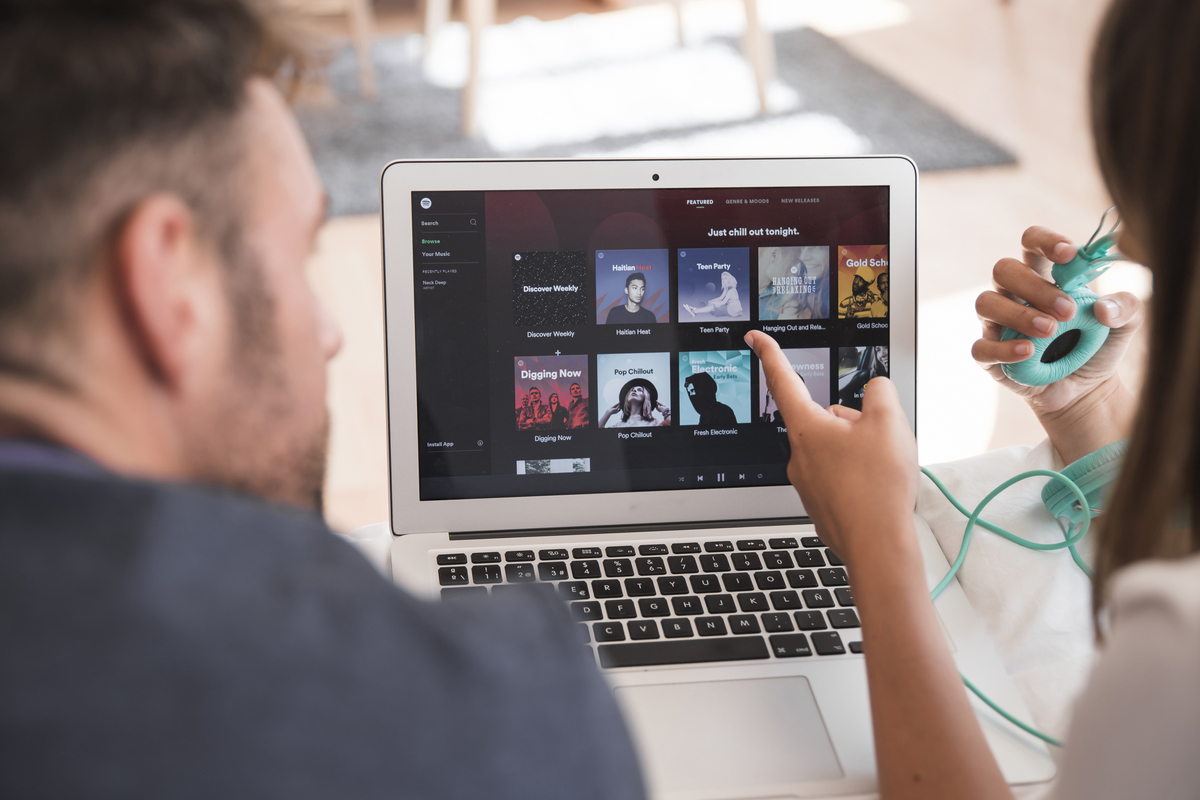
Choosing an IPTV subscription can be difficult when different services advertise different channel selections, streaming quality, connection options, device compatibility and prices. The largest package is not necessarily the most suitable option for every viewer.
Before choosing an IPTV subscription, consider how you actually watch television. Your devices, internet connection, preferred video quality, number of simultaneous viewers, desired features, customer support and subscription terms can all affect which type of plan is appropriate.
This guide explains the main factors to compare when reviewing IPTV subscriptions so you can focus on the features that matter most to your viewing setup.
What Is an IPTV Subscription?
IPTV stands for Internet Protocol Television. It refers to delivering television or video content over an internet connection rather than using traditional broadcast, cable or satellite delivery methods.
The quality of an IPTV viewing experience can depend on several factors, including the service, internet connection, streaming device, application, network conditions and type of content being accessed.
If you are new to IPTV, our IPTV guide for beginners explains the basic concepts and what you need to understand before getting started.
What Should You Check Before Choosing an IPTV Subscription?
There is no single IPTV subscription that is ideal for every household. Before choosing a plan, consider these factors:
- The devices you intend to use.
- The number of simultaneous connections you require.
- Your available internet speed and network stability.
- The video quality supported by your equipment.
- Whether an Electronic Program Guide is important to you.
- Application and operating system compatibility.
- Customer support and setup assistance.
- Subscription duration and total cost.
- Whether a legitimate trial is available.
- The provider's terms and content rights in your location.
1. Decide Which Devices You Want to Use
Start by identifying the devices you expect to use for IPTV. Depending on the service and application, viewers may use compatible Smart TVs, Android devices, Fire TV devices, smartphones, tablets or computers.
It is important to distinguish between having an account that can be accessed on multiple devices and being permitted to stream on multiple devices at the same time. These are not always the same thing.
If several people in your household watch different content simultaneously, check the provider's policy for simultaneous connections before subscribing.
For more information, read our guide to using IPTV on multiple devices .
2. Check Your Internet Speed and Stability
A stable internet connection is one of the most important factors for online video streaming. Slow speeds, network congestion, weak Wi-Fi signals or an unstable connection can contribute to playback problems.
Higher-resolution video can also require more bandwidth than lower-resolution streaming. This means your internet connection should be considered alongside the video quality you want.
If possible, test your internet connection at different times of day. Network performance can change during busy periods.
For more information, see our guide to internet speed requirements for IPTV .
3. Choose the Video Quality You Actually Need
IPTV plans may advertise HD, Full HD or 4K streaming, but the advertised resolution does not automatically determine the quality you will experience.
Your television or streaming device, internet connection, source content, application and network conditions can all affect playback.
If you have a compatible 4K television and suitable network performance, 4K content can provide greater image detail. However, viewers using equipment that does not support 4K may not benefit from paying for features they cannot use.
Our 4K IPTV streaming guide explains more about resolution and streaming requirements.
HD vs Full HD vs 4K
HD, Full HD and 4K describe different levels of image resolution. Higher resolution can provide more detail, but compatible hardware, content and sufficient network performance are also important.
- HD: A common resolution suitable for many everyday streaming situations and compatible with a wide range of devices.
- Full HD: Provides more image detail than standard HD and is widely supported by modern televisions and streaming devices.
- 4K: Provides substantially higher resolution and requires compatible equipment, suitable content and adequate network performance.
4. Check Device and Application Compatibility
Before purchasing a subscription, make sure the service and application you plan to use support your preferred device.
Compatibility can vary between IPTV services, applications and operating systems. Do not assume that an application available on one device will work in exactly the same way on another.
If you plan to use a Fire TV Stick, our IPTV on Firestick setup guide covers the basic setup process.
You can also review our guide to IPTV players for compatible devices before selecting an application.
5. Compare the Channel Selection
A large channel count may look attractive, but the total number of channels should not be the only factor you consider.
Think about the programming you actually watch. Depending on your interests, this could include sports, news, entertainment, movies, international programming or family content.
Before subscribing, check whether the channels or content categories you care about are specifically included rather than relying only on an overall channel count.
Tip: Create a short list of your most important channels and content categories before comparing IPTV plans. This makes it easier to compare services based on your actual viewing habits.
6. Consider EPG Support
EPG stands for Electronic Program Guide. An EPG can make it easier to browse scheduled programming and see information about what is currently playing or coming next.
If you regularly browse live television channels, an EPG can make navigation more convenient than checking channels individually.
Check whether EPG support is included and whether program information is available for the channels you intend to use.
Learn more in our IPTV EPG explained guide .
7. Compare Subscription Duration and Pricing
IPTV providers may offer different subscription durations, including monthly, multi-month and annual options.
A longer subscription can sometimes have a lower effective monthly cost, but you should consider the total price and terms before committing to a longer period.
If you are unfamiliar with a provider, review the available terms and any legitimate trial option before making a longer commitment.
You can compare the plans currently listed on our IPTV pricing and packages page.
8. Decide How Many Connections You Need
Connection requirements are particularly important for households with multiple viewers.
If one person watches on a television while another uses a separate compatible device at the same time, check whether the subscription permits multiple simultaneous streams.
There is usually little reason to pay for more simultaneous connections than your household actually needs. Estimate your normal viewing pattern before selecting a plan.
9. Check Customer Support
Customer support can be useful when setting up a device, troubleshooting playback or understanding account and subscription options.
Before subscribing, check how the provider can be contacted and whether support information is clearly provided.
Setup instructions and troubleshooting guides can also make it easier to resolve common technical problems.
10. Understand Common IPTV Buffering Problems
Buffering is a common concern when streaming video online, but playback interruptions can have several possible causes.
Network congestion, Wi-Fi performance, insufficient bandwidth, device limitations and application issues can all affect streaming.
Before assuming that a subscription is responsible, check whether the problem occurs on one device or across your network.
Our guide to common IPTV buffering problems and solutions covers practical troubleshooting steps.
You can also read our guide on how to improve IPTV streaming quality for additional practical information.
11. Read the Subscription Terms
Always review the provider's terms before purchasing a subscription. Pay attention to billing, renewal, cancellation, refund and account policies.
You should also understand the content rights that apply to the service you are using. IPTV is a delivery technology, and the legality of particular content depends on licensing, distribution rights and applicable local laws.
Make sure you are authorized to access the content available through the service in your location.
12. Don't Choose an IPTV Plan Based Only on Price
Price is an important part of comparing subscriptions, but the cheapest plan is not necessarily the most appropriate one.
Consider the complete package, including device compatibility, simultaneous connections, streaming quality, features, support, subscription duration and terms.
For example, paying for multiple connections may not provide much value if only one person normally streams at a time. Similarly, paying for 4K features may not be useful if your television or network does not support them.
What Should You Compare Between IPTV Plans?
A simple comparison checklist can make it easier to evaluate different subscriptions.
- Price: What is the total cost?
- Duration: How long does the subscription remain active?
- Connections: How many simultaneous streams are permitted?
- Devices: Does the service support your preferred equipment?
- Video quality: Does it support the resolution you need?
- EPG: Is program information available?
- Support: How can you get assistance?
- Terms: Are billing, cancellation and refund policies clear?
- Content rights: Are you authorized to access the content in your location?
A Simple Way to Choose the Right IPTV Plan
If you are unsure which subscription is appropriate, start with your viewing requirements rather than the largest package available.
Step 1: Identify Your Devices
Make a list of the devices you plan to use, such as a Smart TV, Fire TV device, Android device, smartphone, tablet or computer.
Step 2: Check Your Internet Connection
Test your internet speed and consider whether your connection remains stable during the times you normally watch television.
Step 3: Determine Your Connection Requirements
Decide whether one person will normally stream at a time or whether multiple viewers need simultaneous access.
Step 4: Identify Important Features
Decide which features matter to you, such as EPG support, compatible applications, device support and customer service.
Step 5: Compare the Total Cost
Look at the complete subscription price and duration instead of comparing only an advertised monthly figure.
Step 6: Review the Terms
Read billing, renewal, cancellation, refund and content-use policies before completing a purchase.
Is a Longer IPTV Subscription Always Better?
Not necessarily. A longer subscription may reduce the effective monthly price, but the appropriate duration depends on how frequently you expect to use the service and how comfortable you are with the provider's terms.
Someone trying IPTV for the first time may prefer a shorter commitment where available. A viewer who has already evaluated the service and understands their requirements may consider a longer option.
What If You Are New to IPTV?
If you have never used IPTV before, start by understanding the basics rather than immediately choosing the largest available package.
Check how IPTV works, confirm that your device is compatible, test your internet connection and learn how the application or player you intend to use operates.
Our beginner's IPTV guide provides an introduction to IPTV, while our IPTV installation guide covers basic setup information.
Frequently Asked Questions
What should I look for in an IPTV subscription?
Compare device compatibility, simultaneous connections, internet requirements, video quality, EPG support, pricing, customer support and subscription terms.
How many IPTV connections do I need?
It depends on how many people need to stream at the same time. One connection may be enough for a single viewer, while multiple simultaneous viewers may require additional connections if permitted by the subscription.
Does faster internet make IPTV better?
A sufficiently fast and stable internet connection can help provide smoother streaming, especially at higher resolutions. However, Wi-Fi quality, network congestion, device performance and other technical factors can also affect playback.
Should I choose a 4K IPTV plan?
Consider 4K when your television or streaming device supports 4K, suitable content is available and your internet connection can handle the required bandwidth.
What is EPG in IPTV?
EPG means Electronic Program Guide. It provides information about scheduled programming and can make it easier to browse channels and find programs.
Can IPTV be used on multiple devices?
This depends on the provider's connection policy and supported devices. Always check whether simultaneous streaming is permitted before selecting a plan.
Should I choose the cheapest IPTV subscription?
Price should be considered alongside features, device compatibility, connections, support, terms and content availability.
Is an IPTV trial useful?
Where a legitimate trial is offered, it can allow users to evaluate compatibility and streaming performance before committing to a longer subscription. Always review the trial terms before using it.
Final Thoughts
Choosing an IPTV subscription becomes easier when you start with your actual viewing requirements instead of selecting a plan simply because it advertises the largest number of channels.
Consider your devices, internet connection, desired video quality, number of simultaneous viewers, EPG requirements, customer support and total subscription cost.
Comparing these factors can help you identify which features you actually need and avoid paying for options that do not match your setup.
If you want to compare the plans listed on our website, visit our IPTV pricing and packages . For setup information, you can also review our IPTV installation guide .
For more practical information, explore our IPTV guides and tutorials covering devices, streaming quality, EPG, buffering, internet speed and other IPTV topics.
Ready to Explore IPTV?
Compare your device, connection and streaming requirements before choosing an IPTV subscription.
View IPTV Plans← View More IPTV Guides